Content Credentials (C2PA) Explained: The Nutrition Label for Photos
What are Content Credentials? How C2PA provenance works, how to check a photo's origin, what it can and can't prove — and why it's becoming the web's trust layer.
Every image online provokes the same question now: where did this actually come from? Content Credentials are the industry’s answer — a tamper-evident “nutrition label” travelling inside a photo or video that records who made it, with what, and what was done to it since. Camera makers, Adobe, Google, OpenAI and the major platforms have all signed on, which makes this the closest thing the web has to a provenance standard.
Here’s how it works, how to check it, and — just as important — what it cannot tell you.
What exactly are Content Credentials?
Content Credentials are the consumer-facing name for C2PA (Coalition for Content Provenance and Authenticity), an open technical standard. When a device or app supports it, it attaches a signed manifest to the file recording:
- Origin — the camera, phone or AI tool that created it;
- History — edits made along the way (crop, retouch, generative fill…);
- Signature — a cryptographic seal, so any tampering with the record is detectable.
Think of it as a chain of custody. A supporting camera signs the capture; Photoshop appends “cropped, colour-adjusted”; an AI generator declares “created by AI”. Anyone can then read that chain and verify none of it was forged.
What C2PA proves — and what it doesn’t
This is the part most coverage gets wrong, in both directions.
It can prove: that a file was signed by a particular tool or device; that the recorded edit history hasn’t been tampered with; that an AI generator declared its output as synthetic.
It cannot prove: that an unlabelled file is AI-generated or authentic. Credentials are removed by the most ordinary actions on the internet — screenshots, re-saves, messaging apps and platforms that strip metadata. So:
Presence of credentials is strong evidence. Absence of credentials is no evidence at all.
An honest verdict about a credential-less file requires actual forensic analysis of the pixels and the container — more on that below.
How to check a photo’s Content Credentials
- Verify sites. The official C2PA/Adobe Verify web tool reads any file’s manifest and shows the full chain.
- On your iPhone. The Photos app surfaces basic provenance info on supporting files, and some platforms now show a “CR” badge you can tap.
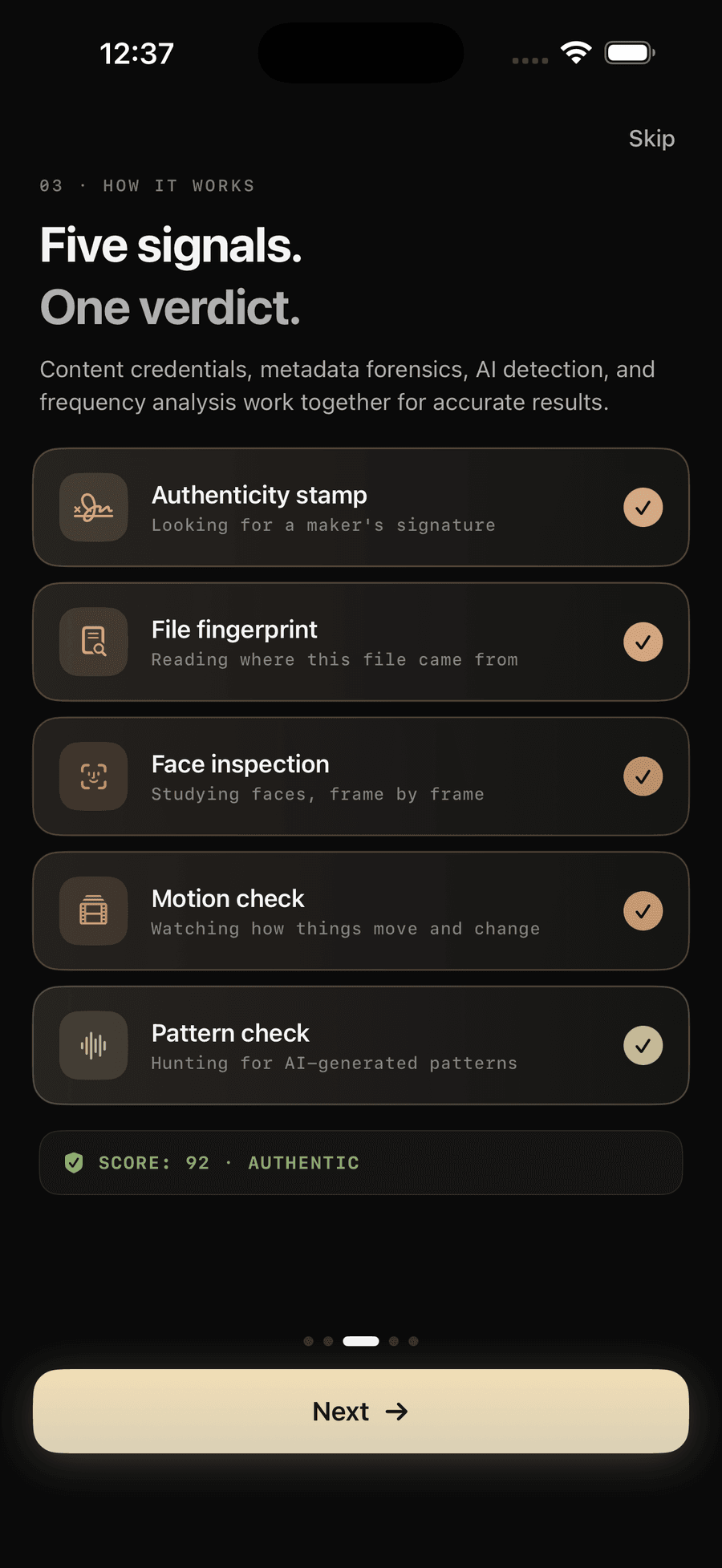
- Forensic apps. A provenance check is the first of the five signals Verifyco runs — it reads the C2PA manifest on-device and then, crucially, keeps going when there isn’t one. Our full iPhone walkthrough: how to check if a photo is real or AI on your iPhone.
Why this matters more every year
Two forces are converging. Generative models are erasing the visual difference between real and synthetic — the artifact-hunting tips in how to tell if an image is AI-generated get harder every model release. And regulation is arriving: the EU AI Act’s transparency rules push synthetic content toward mandatory machine-readable labelling, which in practice means C2PA-style manifests.
The likely end state is an internet with two kinds of media: content that carries its receipt, and content that doesn’t. The receipt-less kind won’t automatically be fake — but it will increasingly carry a burden of proof, and forensic analysis is how that burden gets examined.
Provenance + forensics: why you need both
The two approaches fail in opposite, complementary ways:
| Provenance (C2PA) | Forensic analysis | |
|---|---|---|
| When it works | File kept its manifest | Any file, even stripped |
| What it gives | Cryptographic certainty about origin | Statistical evidence from pixels |
| Weakness | Easily removed, adoption incomplete | Never absolute proof |
| Can be faked? | Forgery is detectable | Fooling all signals at once is hard |
That’s why Verifyco fuses both: the signed receipt when it exists, and five independent forensic signals — metadata, neural face analysis, motion, frequency-domain fingerprints — when it doesn’t (how the on-device pipeline works).
Frequently asked questions
Are Content Credentials the same thing as a watermark? No. A watermark is embedded in the pixels (visible or invisible); credentials are a signed metadata manifest travelling with the file. Watermarks survive some re-saves but are vendor-specific; credentials are an open standard but are stripped with metadata. They’re complementary, not competing.
Does a missing credential mean a photo is fake? No — most legitimate photos online have no credentials, because platforms and screenshots strip them. Absence tells you nothing; it just means you need forensic analysis instead.
Can scammers fake C2PA credentials? They can strip them, but forging a valid signed manifest would require compromising the signing keys — the cryptography makes tampering detectable. The realistic attack is removal, not forgery, which is exactly why absence must be treated as neutral.
Do AI generators label their images? The major ones increasingly do — OpenAI, Adobe Firefly and Google attach C2PA manifests and/or invisible watermarks like SynthID. Open-source models, and anyone who screenshots the output, do not. That gap is why labelling alone can’t solve detection.
The bottom line
Content Credentials are the web’s emerging trust layer: when the receipt is there, checking it takes seconds and settles the origin question. When it isn’t — which is most of the time — you fall back to forensics. Build both habits, and verify before you trust.